
When Miradore has been successfully installed on the device you can restrict the use of applications. This article explains how these restrictions affect the device once you have enrolled the device.
General restrictions
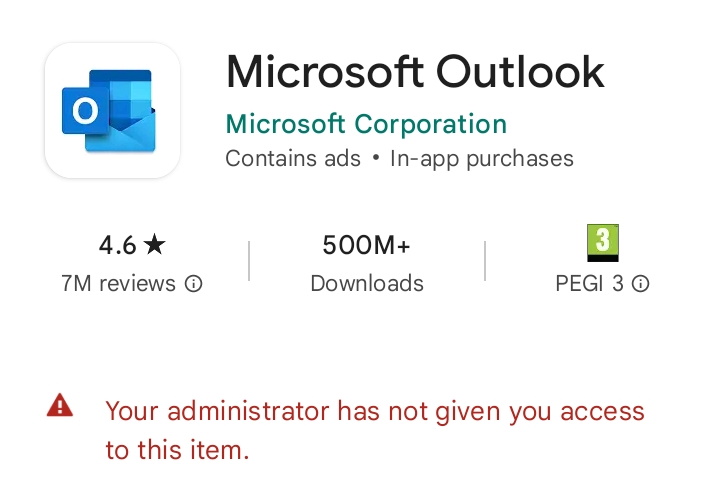
When you try to install an application through Google Play Store that has been restricted by Miradore the following will appear on your device.
Specific restrictions
You are able to restrict also the use of specific applications.
Preventing factory reset
One of the most common restrictions is preventing the factory reset on the device. We have a dedicated article for Preventing factory reset on fully managed Android devices.
Deny account modification
Another restriction you might wish to implement is denying the account modification. Restricting the use of personal Google accounts on Android devices article describes how this can be done.
Have feedback on this article? Please share it with us!
Previous Article:
« Installing and collecting ADB logs on an Android device
Next Article:
Adding Wi-Fi settings for Android devices »